NP Wishlist 1.0.0 Install Guide
A screenshot-based installation and first-use guide for the PrestaShop 8 and PrestaShop 9 wishlist module.
Package
Use vp_wishlist-1.0.0.zip for PrestaShop 8.x and 9.x stores.
Validated
The package passed unzip, PHP lint, old-brand scan, CDN scan, public checksum, and live PS8/PS9 storefront smoke tests.
1. Package File
- Package:
vp_wishlist-1.0.0.zip - Platform: PrestaShop 8.x and PrestaShop 9.x
- PHP: 7.4+
- SHA256:
108d0bd627aaee7410b1f3a99e4abc771eb0c868600ae7558af7434dcbe33439 - Download: https://neuroplugin.com/downloads/vp_wishlist-1.0.0.zip
2. Install Steps
1
Open Module Manager
Log in to your PrestaShop backoffice and go to Modules -> Module Manager.
2
Upload the ZIP
Upload vp_wishlist-1.0.0.zip and install NP Wishlist.
3
Disable duplicate wishlist modules
If the native blockwishlist module is enabled, disable it so the product page has one wishlist button.
4
Open a product page
Confirm the heart button appears and the page loads vpWishlistConfig plus the module CSS and JS assets.
3. Recommended Settings
Enable guest wishlists so visitors can save products before login
Enable the header wishlist count for faster return access
Enable sharing when customers should send wishlist links to another person
Keep the max-products limit at 50 unless your store needs larger saved lists
4. Frontoffice Validation
Open the storefront after installation and validate these behaviors before treating the rollout as complete.
Product page shows one wishlist heart button
Guest click returns a successful AJAX toggle and updates button state
Wishlist list page opens at
/module/vp_wishlist/listLogged-in customers can save wishlist products to their account
Header count updates when the header wishlist display is enabled
5. Screenshots
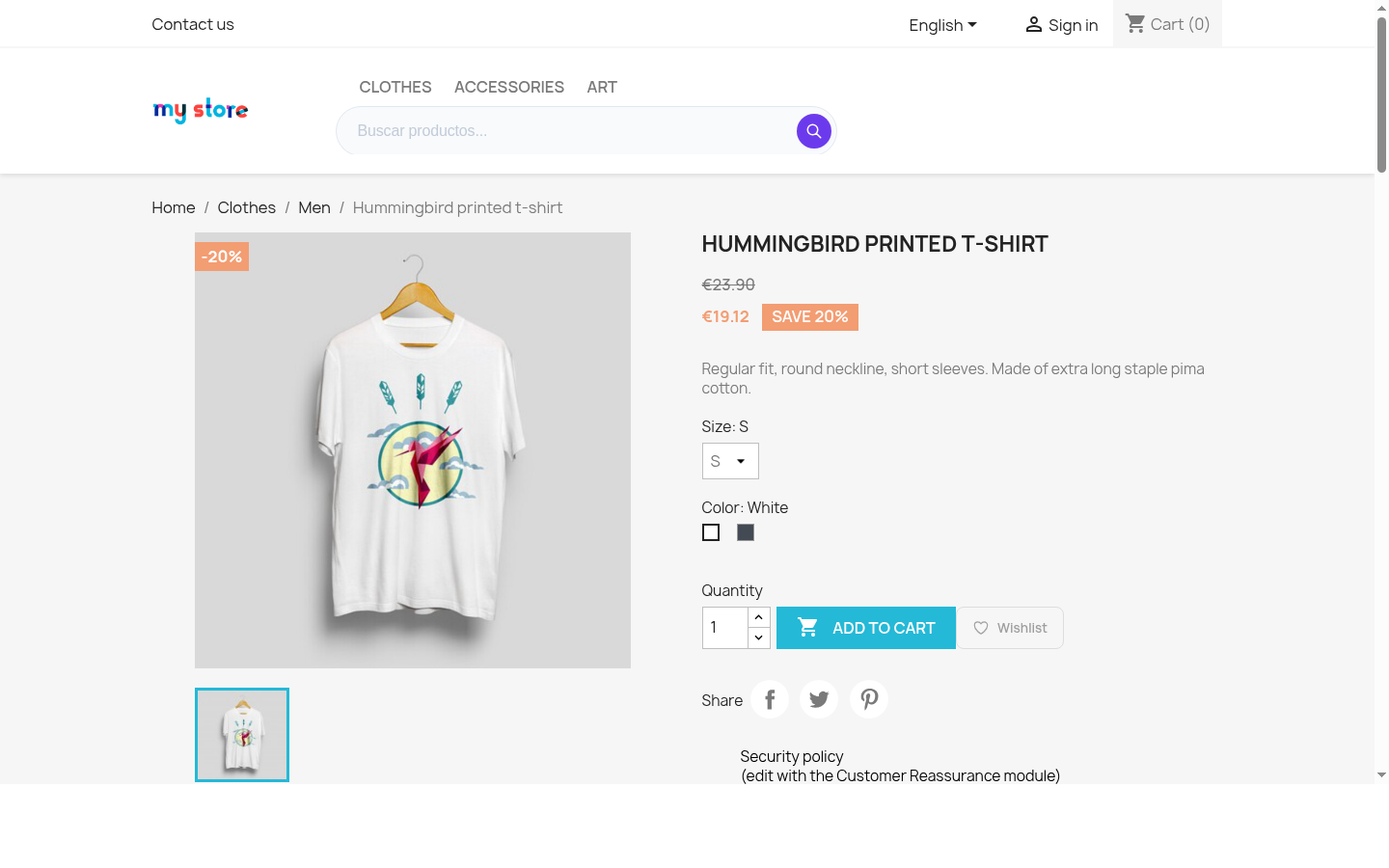 PrestaShop 8 product page with NP Wishlist button
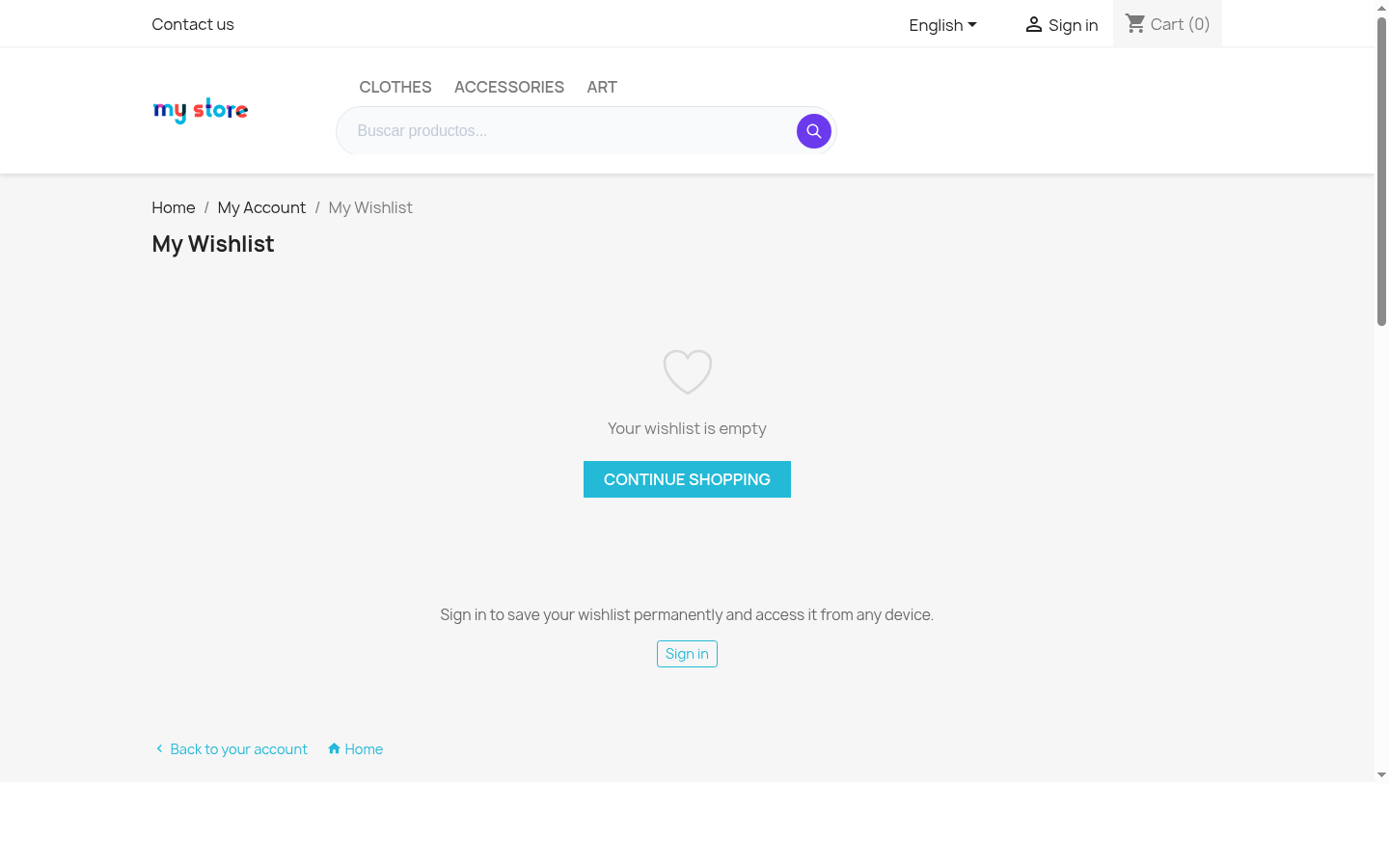 PrestaShop 8 wishlist list page
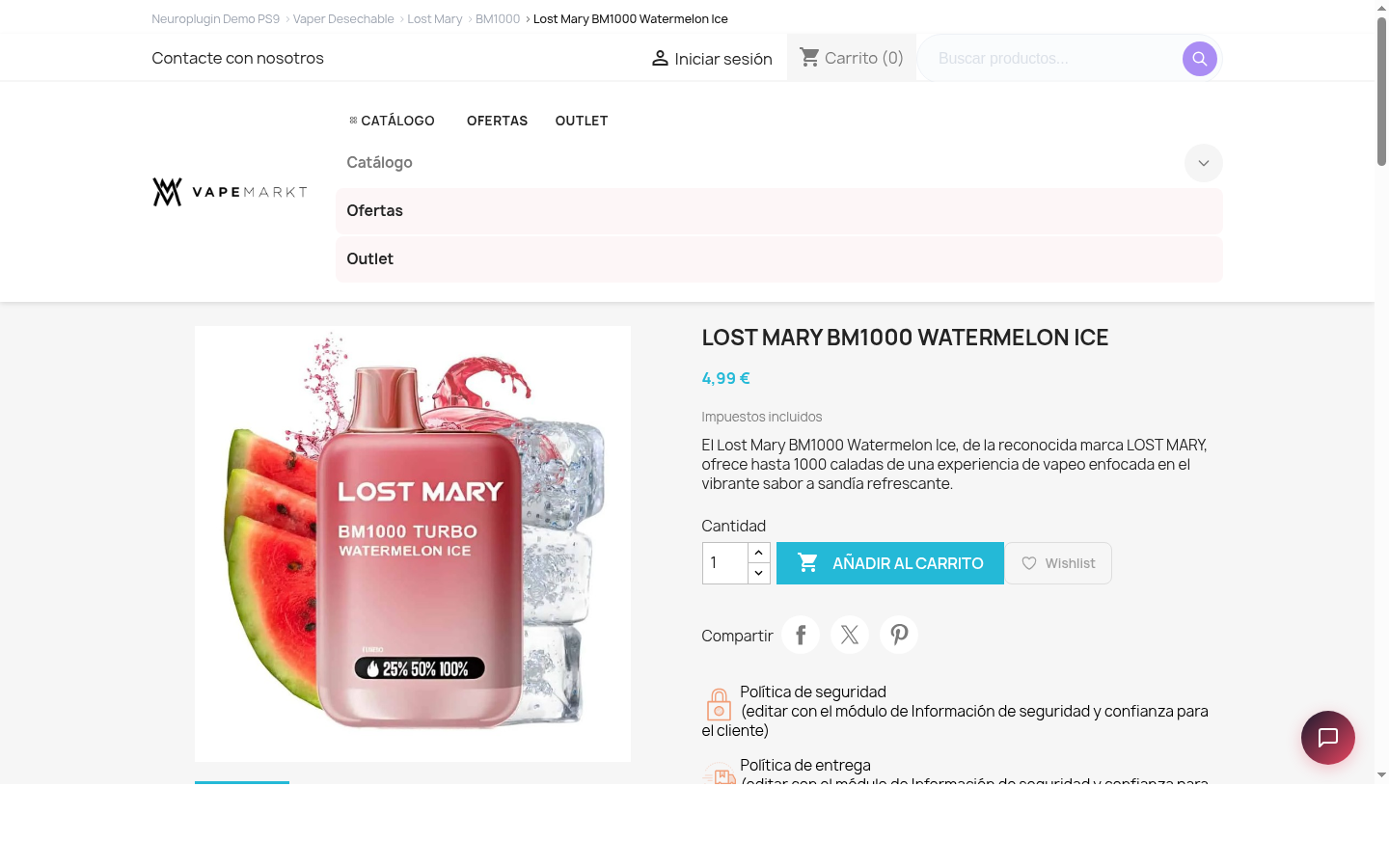 PrestaShop 9 product page with NP Wishlist button
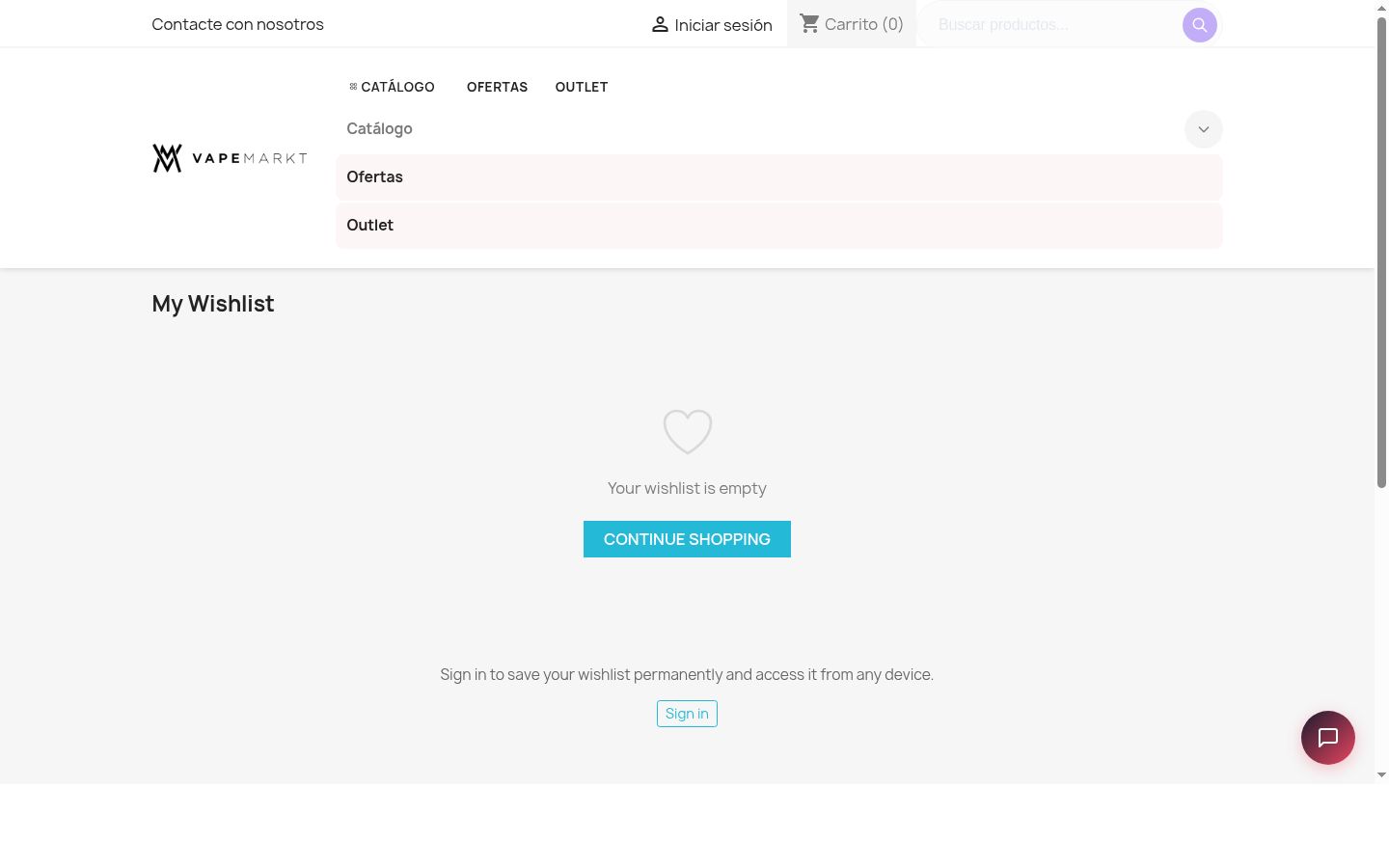 PrestaShop 9 wishlist list page
6. Verified Result
unzip -tq packages/vp_wishlist-1.0.0.zippassed.- Package PHP lint passed.
- Public download checksum matches the repository package.
- Old VapStarter/VapeMarkt branding was removed from the release package.
- Runtime CDN scan returned no matches.
- PS8 and PS9 product pages returned 200 with the wishlist button and JS config present.
- PS8 and PS9 AJAX
getCountand guesttogglesmoke tests returned success.
Next step: test the exact production theme on staging, then install the same package on the live store.